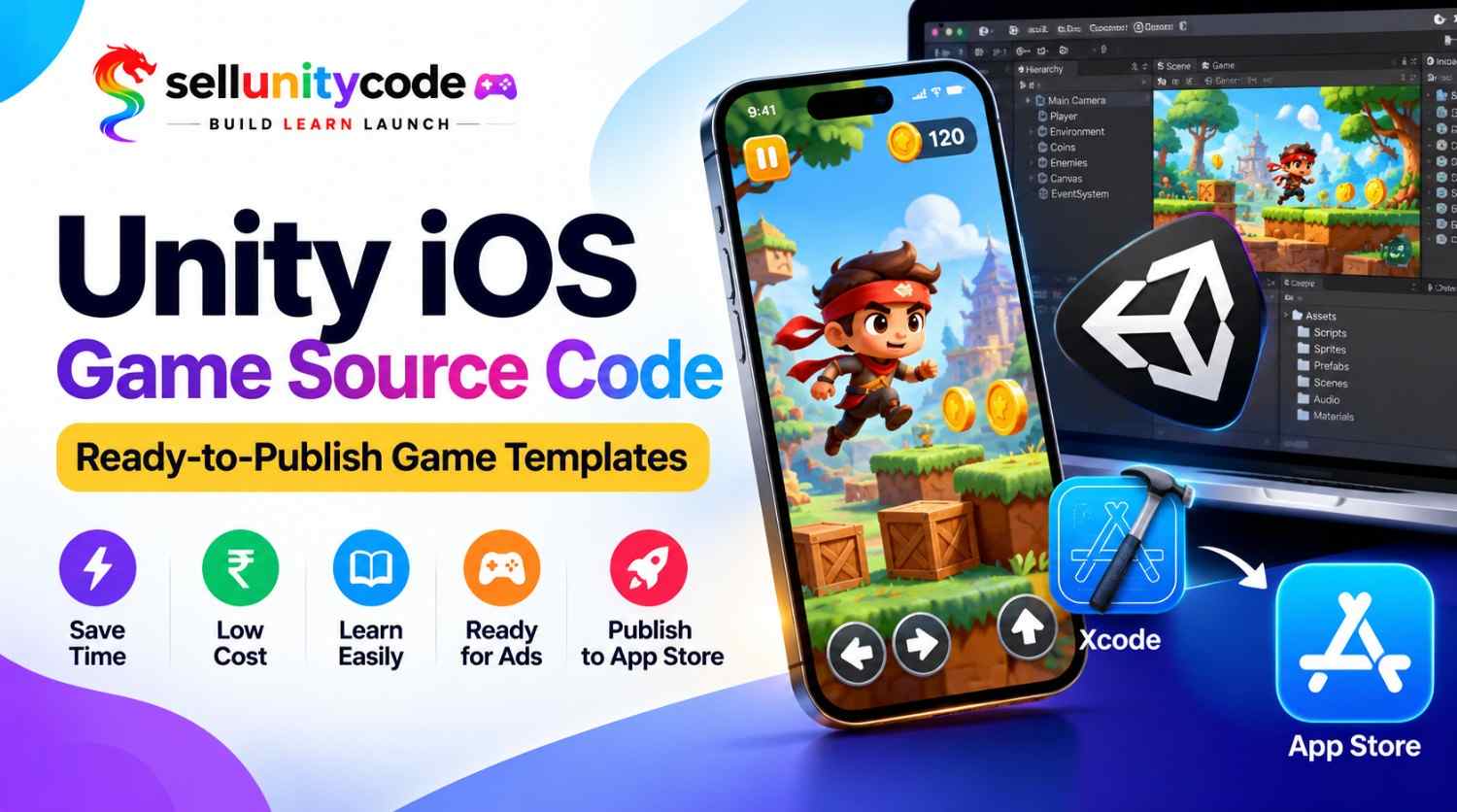
Got a game idea that never leaves your laptop? You’re not alone. Most developers spend months on code and still have nothing to show. Here’s a better way. With Unity iOS Game Source Code, you skip the slow part and jump to the fun part. Browse the ready-to-publish game files at Sell Unity Code today and start your launch this week.
Here’s the truth. Building a game from zero takes forever. You write menus, score tools, ads, and sounds before one player taps the screen. A good Unity iOS game template already has all of that done. You open it, swap the art, and get ready to ship.
Sell Unity Code is a premium Unity source code marketplace for developers. You can build, learn, and launch your game faster with high-quality assets. In this blog, I’ll explain what these files are, why they save time, and how to reach the App Store. I’ll also share a few lessons from my own trial and error. Let’s get into it.
Whether you make a Unity 2D game or a Unity 3D game, the steps stay simple. No fancy words, no confusing jargon. A clear path from download to launch day. Sound good?
What Is Unity iOS Game Source Code?
Unity iOS Game Source Code is the full set of files behind a working iPhone game. Think of it like a cake mix. The hard mixing is done. You add your own flavor. Inside, you get scripts, scenes, art, sounds, and menus, all inside one Unity project. Most files use Unity C# source code, which is easy to read and change.
Some sellers give you a Unity iOS game project you can open and play right away. Others offer complete Unity game source code with levels, a shop, and score tools already working. Either way, it’s Unity mobile game source code made to run on iPhone and iPad.
You don’t need to be a pro. If you can drag and drop in Unity, you can start. Change the name, the colors, the images, and the sounds. That’s called a game reskin, and it’s how many small studios launch fast. Because this Unity game source code for iOS is clean, you can learn from it, one script at a time. It’s a great way to see how pros set up menus, levels, and rewards in iOS game development.
Why Use a Unity iOS Game Template
Here are six simple reasons why smart developers pick a ready-made base before they write a single line of code.
- Save months of work. An iOS Unity game template already has menus, levels, and scoring built in. You don’t build them again. Your first playable version can be ready in days, not months, and you stay excited.
- Spend less money. Hiring a coder or a team can cost thousands. Buying Unity game source code for iOS costs a small part of that price, so you keep cash for art and ads.
- Learn by reading real code. Open the scripts of any iOS Unity game template and see how pros write Unity C# source code. You’ll pick up mobile game development habits faster than most videos can ever teach you.
- Test ideas fast. Not sure a puzzle will sell? Reskin one and find out. A Unity 2D game or Unity 3D game on a Unity iOS game template lets you try ideas without big risk.
- Get ads ready to go. Many packs include AdMob integration, so you can earn from day one. You just add your own ad IDs and check that everything shows up right.
- Feel less stress. Bugs are the worst. Tested Unity iOS Game Source Code has fewer surprises, so you spend your time on fun stuff like levels, art, and story. That keeps you going when things get hard.
Unity iOS Game Template or Custom Build
This quick table shows how a Unity iOS game project stacks up against building everything alone, side by side. Wikipedia
| What Matters | iOS Unity Game Template | Build From Scratch |
| Time to first playable | A few days | Two to six months |
| Cost | Low, one-time price | High, pays a coder |
| Skill needed | Basic Unity skills | Strong C# skills |
| Bug risk | Lower, code is tested | Higher, you test it all |
| Ads setup | Often done for you | You build it yourself |
| Best for | Fast launches and learning | One-of-a-kind ideas |
Here’s the simple truth. A Unity iOS game template isn’t cheating. Many studios in iOS game development reuse old code, tools, and ideas. They just don’t say it out loud. Reusing solid Unity iOS Game Source Code lets you spend your energy on what players actually notice: fun, art, and polish.
Here’s how it looked for one buyer. He had tried to build a tap game alone for five months and quit twice. Then he picked an iOS Unity game template, changed the art in two evenings, and sent his first build to Apple in nine days. He told us the hardest part was choosing a name, not the code. That’s the kind of shift the right Unity game source code for iOS can bring. Of course, if your idea is totally new, custom work still makes sense.
Quick tip: if you’re new, start with complete Unity game source code from a trusted seller.
How to Publish Your Unity iOS Game
Follow these three easy steps to take your Unity iOS Game Source Code from your computer to the App Store.
Step 1: Open the Xcode Unity Project
Download your Unity game source code for iOS and open it in Unity. Then build for iOS, and Unity gives you an Xcode Unity project. Open it in Xcode on a Mac. Xcode looks scary, but it’s friendly. Sign in with your Apple Developer account, pick your team, and set a bundle ID. Press run on a real iPhone or the simulator. If the game opens, you’re off to a great start.
Step 2: Reskin the Game and Add AdMob
Now make your complete Unity game source code your own. Swap the icons, backgrounds, sounds, and characters. Change the game name and colors. This game reskin step gives your game its own face. Next, finish the AdMob integration. Paste your own ad unit IDs from your AdMob account into the settings. Test with test ads first. Real ads on your own device can get your account flagged, so be careful.
Step 3: Test and Send It for App Store Review
Play the whole game on a real phone. Tap every button. Check the sound, the ads, and the save system. Fix what breaks. Real phones matter in mobile game development. Then create your app page in App Store Connect, add screenshots, write a short description, and upload the build. Apple usually reviews new apps within a few days. App Store publishing rewards patience and clear details, so give your Unity iOS game project a clean page.
Check This Before Buying Unity Source Code
Not all packs are equal. Use this short checklist before you buy any Unity iOS Game Source Code pack.
- Clean code. Open a script in any Unity mobile game source code before you buy, if you can. Names should make sense and lines should be tidy. Messy files turn into headaches when you add new features.
- Latest Unity version. Old files may break in new editors. Check which version the seller used, and ask if updates are free. A good seller keeps each Unity iOS game template fresh for new iOS rules.
- Real screenshots or a demo. You should see the game running before you pay. A video or playable build shows the true feel, not just a pretty picture. It also proves the iOS Unity game template works on a phone.
- Guides and support. Look for a setup guide and a way to ask questions about the Unity game source code for iOS. If you get stuck on an Xcode Unity project error at midnight, a helpful reply saves your week.
- Fair license. Read what you’re allowed to do. Can you publish under your own name? Can you sell the Unity iOS game project? Simple, clear rules protect you from trouble with Apple later on. Always keep your receipt too.
- Ready-to-publish state. Ask whether the complete Unity game source code is truly ready, with icons, screen sizes, and ad slots set up. A ready-to-publish game saves you from last-minute fixes. At Sell Unity Code, each listing shows what’s inside.
Conclusion
You made it to the end. Unity iOS Game Source Code takes the heavy lifting off your plate, so you can spend your time on the fun parts. Whether you pick complete Unity game source code or an iOS Unity game template, the plan stays the same. Open it, reskin it, test it, and send it to Apple.
Not sure where to begin? Start small with Unity iOS Game Source Code. Pick one Unity iOS game project, change the art, and run it on your phone. Then study Unity mobile game source code to see how good games are built.
Your first launch can start today. Sell Unity Code is a marketplace built for developers who want to build, learn, and launch faster. You’ll find premium Unity game source code for iOS, plus more Unity mobile game source code, made to save you weeks. Browse the latest Unity iOS Game Source Code listings, pick the one that fits your idea, and take the first step. Got questions? Visit Our Website: SellUnityCode for new releases and tips. We can’t wait to see your game on the App Store.
FAQs About Unity iOS Game Source Code
1. What is Unity iOS Game Source Code used for?
It’s used in iOS game development to launch iPhone games without building from zero. You get the scripts, scenes, and art in one Unity iOS game project. Then you change the look, add your ads, and begin App Store publishing. That’s the whole idea.
2. Can a beginner use a Unity iOS game template?
Yes. If you know how to move around the Unity editor, you can use Unity iOS Game Source Code. Start with a simple iOS Unity game template, learn how the Unity C# source code works, and change one thing at a time. You’ll build confidence fast.
3. Do I need a Mac to publish an iOS Unity game template?
Yes. Apple requires Xcode to build and upload iOS apps, and Xcode only runs on a Mac. You can edit the Unity game source code for iOS on Windows, but the final iOS build step needs a Mac. Borrowing a friend’s Mac works too.
4. What’s the difference between 2D and 3D packs?
A Unity 2D game uses flat art, like puzzles and runners, and it runs smooth on older phones. A Unity 3D game has depth and models, so it looks richer but needs more testing and bigger file sizes. Both work well as Unity mobile game source code.
5. How do ads work in a ready pack?
Most Unity iOS Game Source Code packs already have AdMob integration built in. You create an AdMob account, make ad units, and paste the IDs into the settings. Always test with test ads first, then switch to live ones before you publish. Setup takes only a few minutes.
6. Can I change the game and call it mine?
Yes, that’s what a game reskin is for. Change the art, name, sounds, and levels in your Unity iOS game project. Just read the seller’s license first. At Sell Unity Code, you should always check the terms on each listing before you publish. Then you can launch it with pride.
7. How long does a Unity iOS game project take to launch?
It depends on your mobile game development skills and how much you change. Many people finish a simple reskin of Unity mobile game source code in one to two weeks. App Store publishing adds a few days for Apple’s review. Bigger changes with new levels can take a month or more. Complete Unity game source code speeds things up.
8. Which is better, complete Unity game source code or a small pack?
A complete Unity game source code pack is better for most people. It has menus, levels, ads, and settings ready. Small packs are cheaper, but you may need to code the missing parts yourself. Pick based on your budget and time.
9. Which Unity version works best with Unity mobile game source code?
Use the version listed by the seller for your Unity mobile game source code, or a newer stable one. Back up your files before you upgrade. It’s a small step that saves big stress. Newer editors may change small things, so test the game well after any update.
10. Where can I buy a safe Unity iOS game template?
You can find premium ready-to-publish game files at Sell Unity Code, a marketplace made for developers. Look for clear previews, honest details, and helpful support so you can pick Unity game source code for iOS with confidence.