Ever spent three weeks on a menu screen and still hated it? I have. It stinks. Most of us want to make games, not fight with setup. A Unity Arcade Game Template fixes that. You get a working game on day one. You add your own art and ideas, then ship it. Want to skip the slow part? Visit Sell Unity Code today and pick a project to start building.
Here is the thing about mobile games in 2026. Players want quick, fun rounds. They tap, they play, they smile, and they come back. Arcade games fit this style well. That is why Unity arcade game templates are so popular. Think endless runners, block breakers, and shooters. They are easy to learn and hard to put down.
The hard part is the build. You need controls, scoring, sounds, ads, and menus. That is a lot for one person. Many new makers quit before the game is done. I almost did, twice. Simple Unity arcade game development should not feel that heavy.
In this post, I will show what a Unity Arcade Game Template really is, why Unity arcade game source code can save you weeks, and what to check before you buy.
What is a Unity arcade game template?
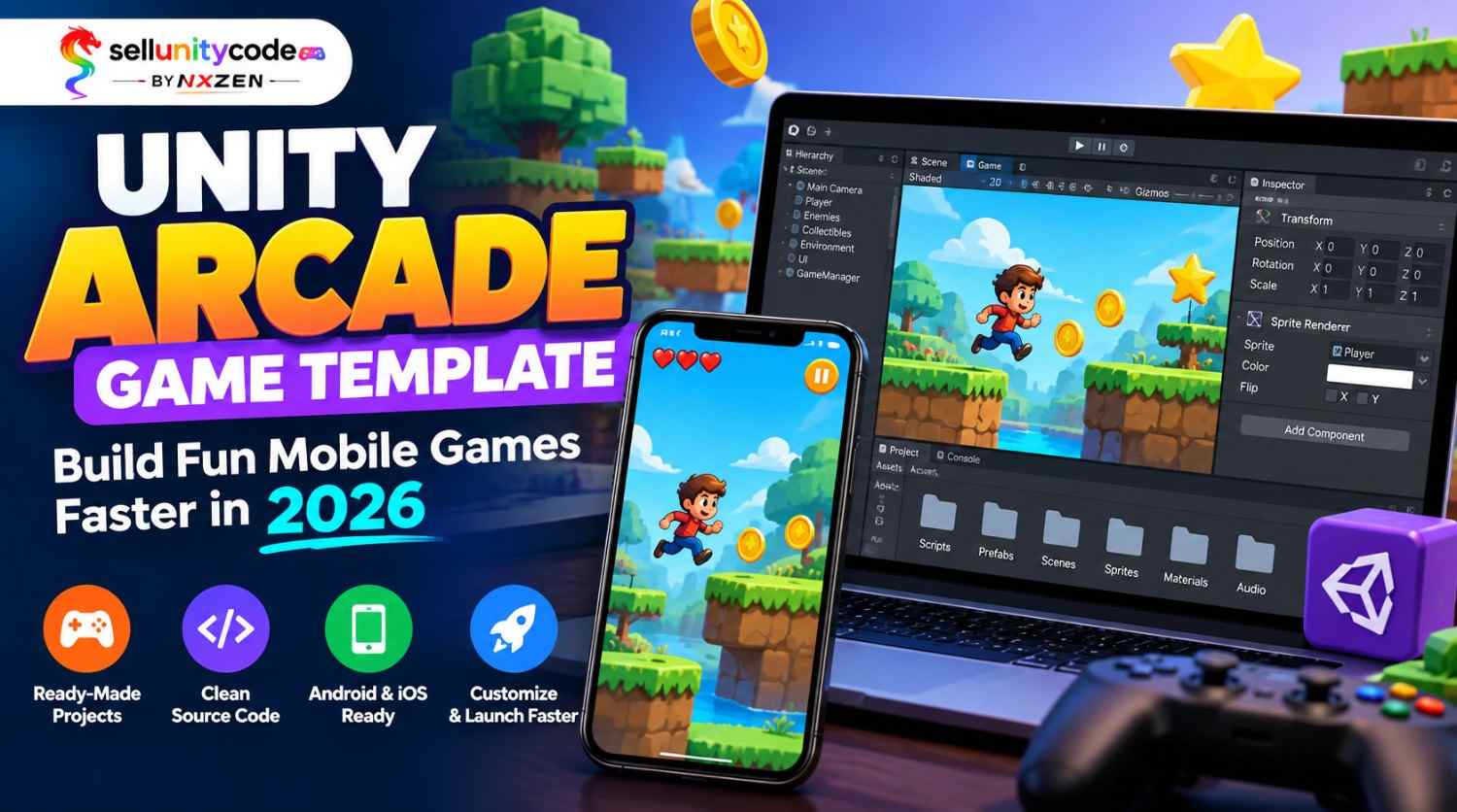
A Unity Arcade Game Template is a game project that is already built. It has the main parts in place. Think player control, scoring, levels, menus, and sound. You open it in Unity, press play, and the game runs. Then you change it until it feels like yours.
Most of these projects use 2D art and C# scripts. If you search 2D arcade game Unity, you will see thousands of choices. Many people also type arcade game source code Unity into Google when they want a fast start. The code is yours to read and edit. Good Unity arcade game source code is clean and uses simple names, so you do not get lost.
Think of it like a house with walls and a roof. You pick the paint and the furniture. You do not pour the concrete. Many Unity game templates also come with sample art, sounds, and ad setup. That makes testing much faster. A solid Unity arcade game project can be on your phone in days, not months. Even a small Unity Arcade Game Template can teach you how real games work.
Why Unity arcade game templates save time
Here are the biggest reasons makers love starting with a ready project instead of an empty scene.
- You skip the boring setup. A Unity Arcade Game Template already has controls, camera, score, and game over screens. You jump straight to the fun part, which is making the game feel good and look different.
- You learn faster. Reading real Unity arcade game source code beats watching ten videos. You see how a spawner, a score system, and a pause menu work, then you copy the ideas into your next game.
- You test ideas sooner. Unity mobile game templates give you a working build on your phone fast. If the game is not fun, you change it and try again, without losing weeks of work.
- You spend less money. A customizable Unity game template costs far less than paying a coder for weeks. That leaves more budget for art, music, and ads to get your game seen.
- You can make more than one game. Once you know a project well, you can reskin it with new art and sounds. Many makers ship several games a month by reusing one arcade game source code Unity project.
- You feel less stress. Starting from nothing can feel scary. Good Unity game templates give you a tested base to stand on, so you worry less about bugs and more about making players smile.
Source code vs starting from scratch
Not sure which road to take? This table shows how Unity arcade game templates compare with a blank start. Wikipedia
| What you compare | Ready template | Starting from scratch |
| Time to first playable game | Same day | Two to four weeks |
| Cost | One small payment | Your time or a coder’s pay |
| Skill you need | Basic Unity and C# | Strong Unity and C# |
| Chance of bugs | Lower, the base is tested | Higher, all code is new |
| Freedom to change things | High, you own the code | Full |
| Best for | Fast launches and learning | Very unique game ideas |
Neither road is wrong. If your idea is truly strange, build it from zero. But most arcade ideas share the same base. You tap, dodge, collect, and score. In that case, good arcade game source code Unity developers can reuse gives you the base for free. A Unity Arcade Game Template also lets you test your idea before you spend months on it.
I like to start with a template, then swap parts until it feels like mine. That way I spend my time on art, sound, and feel, the things players notice first. Also check the license. Some sellers let you publish the game and some do not. Read it first, every time. Many Unity mobile game templates share this one rule.
Customize your Unity arcade game template
Follow three easy steps to turn Unity arcade game source code into a game that feels like yours.
Step 1: Open it and play it first
Import your arcade game source code Unity project and press play. Do not touch anything yet. Play the game for ten minutes. Watch how the score grows, how enemies move, and when the game ends. Then open the scripts folder and read the file names. A good Unity Arcade Game Template has clear Unity C# game source code, with names like PlayerMove or ScoreManager, so you can find things fast.
Step 2: Change the look and the sounds
Swap the art first. It is the quickest win. Replace the player, the background, and the buttons with your own pictures. Then change the music and the tap sounds. With Unity game assets that match your theme, a 2D game can look brand new in an afternoon. Keep the image sizes the same so nothing breaks. Save often, and test on your phone after each change.
Step 3: Tweak the rules and add your twist
Now change how the game plays. Make enemies faster, add a power-up, or shorten the rounds. Most Unity arcade game templates keep these numbers in one place, so a small edit makes a big change. Add one new idea that makes your game different. Just one. Then set up your ads, test every screen, and build for Android or iOS. This is the fun part of Unity arcade game development.
Five things to check before you buy
Not every Unity Arcade Game Template is worth your money. Here is the list I use every time.
- Clean, readable code. If you can, look at the scripts first. Good Unity arcade game source code has clear names and short files. Messy code becomes a headache you carry for months.
- A clear license. Check if you can publish the game on Google Play and the App Store, and if you can earn money from it. Never guess on this one. Ask the seller if the words are unclear.
- Updates and support. Unity changes every year, and Unity arcade game development tools change with it. Pick a seller who updates files for new versions and answers questions when you get stuck.
- Mobile-ready setup. Touch controls, many screen sizes, and ad support should work out of the box. A ready-made arcade game project that only runs on a computer is not enough. Good Unity mobile game templates are built for phones.
- A demo and real reviews. Watch a gameplay video or play a demo build. See what other buyers say. If nobody has shared anything, be careful. Real feedback tells you more than a pretty banner.
My first buy had no support and no touch controls. I lost a week fixing it. Now I check all five things. A project from Sell Unity Code ran on my phone the same day, and the mobile arcade game source code was easy to read.
Conclusion
Making games should feel fun, not heavy. A Unity Arcade Game Template takes the slow, boring work off your plate. You get a base that works, you add your own spark, and you launch sooner. That is the whole idea.
Let’s go over it once more. Know what a template is. Compare it with starting from zero. Change the art, sound, and rules in small steps. Check the code, license, and support before you pay. Do these things and you will skip a lot of stress. Pick Unity arcade game templates and Unity game templates that fit your idea, and your first Unity arcade game project will feel much lighter.
If you are ready, Sell Unity Code is a premium Unity source code marketplace for developers. You can build, learn, and launch your game faster with high-quality Unity game assets. Browse the projects, pick the arcade game source code Unity buyers love, and start today. Have a question first? Visit Our Website: SellUnityCode to see new releases. Your next hit could be one Unity Arcade Game Template away. Go build it!
Unity Arcade Game Template FAQs
1. What is a Unity arcade game template?
It is a ready-made Unity arcade game project with the main game parts built in. You get controls, scoring, menus, and levels, so you only add your own art and ideas.
2. Can beginners use a Unity arcade game template?
Yes. If you know basic Unity and a little C#, you can follow along. Reading the code is also a great way to learn how real games work.
3. Is Unity arcade game source code free to use?
Some Unity arcade game source code is free, but most good projects cost money. Always read the license. It tells you if you can publish the game and earn from it.
4. Can I publish a game made from a template?
Usually yes, if the license allows it. Check the seller’s rules first. Most sellers let you publish arcade game source code Unity projects on Google Play after you change the art.
5. How long does it take to finish a game with Unity game templates?
A simple reskin can take a few days. A bigger change with new levels and features may take a few weeks. It depends on your time and your skill.
6. Do Unity mobile game templates work on Android and iOS?
Most do, because Unity builds for both. You still need to test on real phones and set the right ad and store settings for each system.
7. What should a good Unity Arcade Game Template include?
Look for clean Unity C# game source code, touch controls, a score system, menus, sound, and ad setup. A short guide that explains the files is a big plus.
8. Will my game look like everyone else’s?
Not if you change it enough. New art, music, rules, and one fresh idea make it yours. Never upload arcade game source code Unity creators sell without changing it first.
9. Which Unity version should I use?
Use the version the seller lists for the arcade game source code Unity project. If yours is newer, Unity can often upgrade it, but save a backup first.
10. Where can I find good Unity arcade game templates?
You can browse Sell Unity Code, a premium Unity source code marketplace for developers. It has customizable Unity game template options for people who want to build, learn, and launch faster.