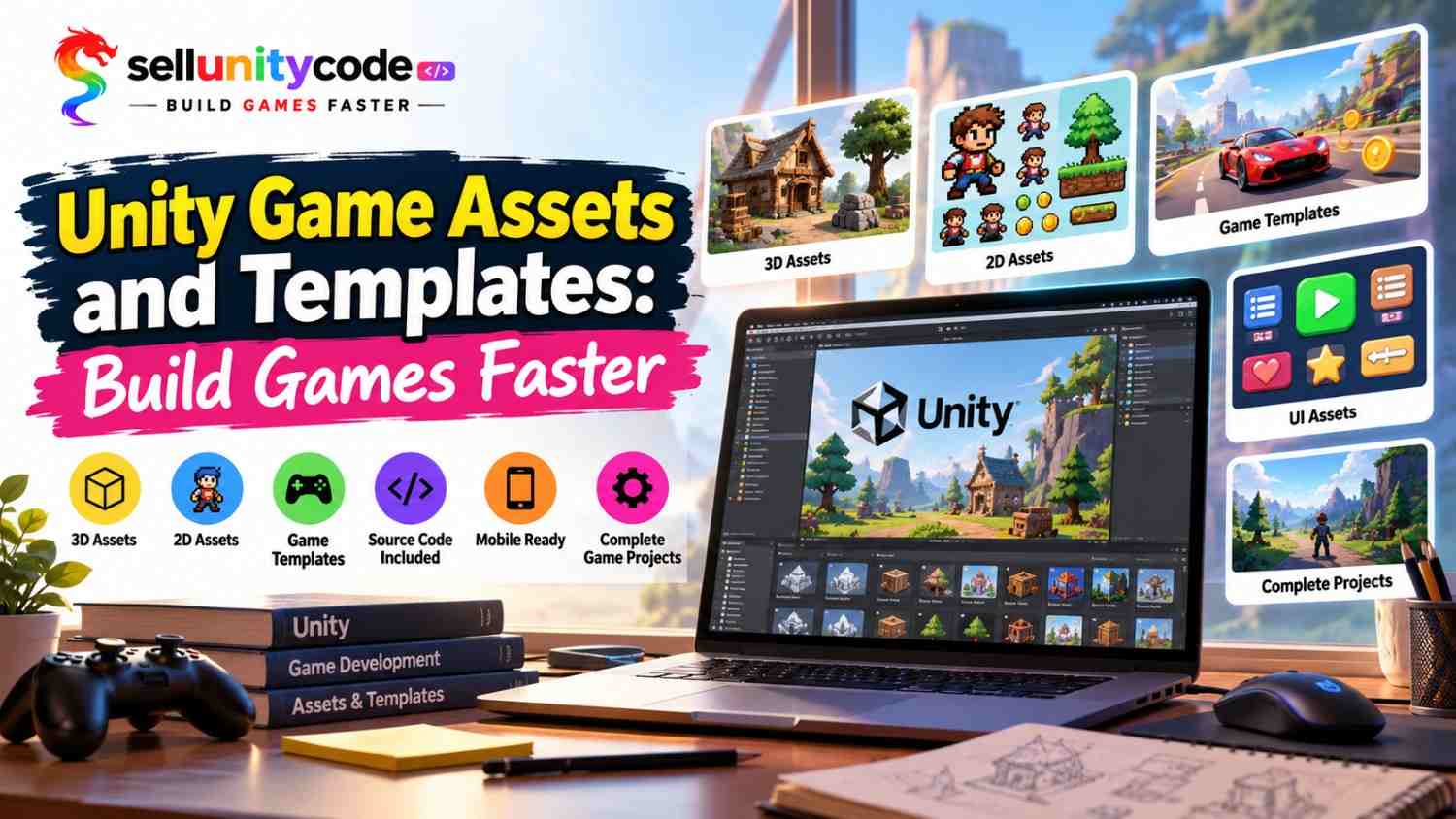
Stuck on a game that never seems to end? You are not alone. Most solo devs spend months making art, menus, and code before the fun part even starts. Here is the good news. Unity game assets and templates can cut that wait down a lot. Grab ready-made pieces from Sell Unity Code today and start building your game the same afternoon.
Think about it like cooking. You can grow the wheat, mill the flour, and bake the bread. Or you can buy good flour and spend your time on the cake. Game making works the same way. Nobody needs to draw every tree or code every button from zero. That is why Unity game development assets and Unity game development templates exist.
In this post, I will show you what Unity asset packs, Unity game templates with source code, and Unity complete game projects are, why they save time, and how to pick the right ones. You will also see a simple chart on Unity 2D game assets and Unity 3D game assets, a list of asset types, and answers to common questions. Whether you make a small mobile game or a big 3D world, this guide is for you. Let’s get into it.
What Are Unity Game Assets and Templates?
Let’s start with the basics. Unity game assets are the parts that fill your game. That means pictures, models, sounds, menus, and moves. Flat art is Unity 2D game assets. Solid models are Unity 3D game assets. Unity game templates are different. A template is a game that is already half built, with the rules set up for you. You open it, change the look, and make it yours.
Most people use both together. Unity game assets and templates work like Lego bricks and a Lego set. The bricks are the assets. The set is the template. Both save you hours.
Some packs also come with Unity game source code, so you can read how it works and learn as you go. Others are Unity game templates with source code, which lets you change the rules, add levels, or swap the art. You can also find Unity complete game projects that run right out of the box.
Big or small, Unity game development assets and Unity game development templates help you skip the boring setup. At Sell Unity Code, every pack is made for real developers, so the files are clean and easy to follow.
Why Ready-Made Assets Help You Build Faster
Here is what you gain when you stop starting from zero and use ready-made Unity game development assets.
- You save weeks of work. A menu, a player, or a forest can take days to build alone. With Unity game assets and templates, you drop them in, tweak them, and move on to the fun parts.
- You learn by reading real code. Unity game templates with source code show you how pros set up movement, scores, and saves. Instead of guessing from videos, you open the files and see it working. It beats any course.
- Your game looks better from day one. Good Unity game development assets make a big first impression. Unity UI assets and Unity asset packs give you matching styles, so your game feels neat, not messy. Players notice.
- You cut down on bugs. Tested code has already been through the rough spots. Using proven Unity game frameworks and Unity game systems, like inventory or save data, means fewer late-night crashes and fewer angry player messages.
- You test ideas faster. Not sure an idea will work? Build a rough version in a weekend with Unity game development templates. If it feels fun, keep going. If not, you lost very little time.
Unity 2D vs 3D Assets: Which Wins?
This simple chart shows how Unity 2D game assets and Unity 3D game assets stack up side by side. Wikipedia
| What to compare | Unity 2D game assets | Unity 3D game assets |
| Look | Flat pictures called sprites | Solid models with depth |
| Best for | Puzzle, platformer, and card games | Racing, shooter, and open world games |
| Learning curve | Easy to start | A bit harder |
| Common packs | 2D game assets like sprites, tiles, and icons | 3D game assets like models, textures, and props |
So which one wins? Neither. It depends on your idea. If you are new, start with Unity 2D game assets. You will finish a game sooner, and finishing is what teaches you the most. Want a big world with light and depth? Go with Unity 3D game assets. Many teams mix both, using 2D menus on top of a 3D world. Unity UI assets make that mix easy. For phones, try Unity mobile game templates, which are already sized for small screens. Unity game assets and templates, even Unity complete game projects, come in both 2D and 3D.
Quick story. My first game took five months, and I never finished it. My second, built from one of the Unity game templates with source code and a few Unity game development assets, took nine days. I only changed the art and a bit of Unity game source code.
How to Choose the Right Unity Template
Follow these three easy tips before you buy Unity game development templates, and you will avoid most common mistakes.
Match the template to your game idea
Start with the game you want to make. Do you want a runner, a puzzle, or a shooter? Pick one of the Unity game templates with source code that already fits that type. Changing a runner into a shooter takes more work than starting fresh. Look at the demo video and the features of the Unity game assets and templates you like. If the core play feels close to your idea, you are on the right track.
Check the code before you pay
Good Unity game templates with source code should be clean and easy to read. Look for clear names, short notes inside the code, and a simple folder setup. Ask if the seller gives help files for the Unity game source code. When I first tried a messy pack years ago, I lost two days just finding the score script. Clean code saves you from that pain, and it makes your own edits much easier.
Make sure it works with your Unity version
Nothing hurts like a big download that will not open. Check which Unity version the pack supports. Also check the render pipeline, since some Unity asset packs need URP and others use the built-in one. Read the reviews and the update dates. Unity game assets and templates that get fresh updates are a safe pick, because the seller still cares. This takes two minutes and saves hours.
Asset Types Every Unity Developer Should Know
Here are eight kinds of Unity game assets and templates that make building smoother. You do not need all of them at once.
- Unity character assets: Heroes, enemies, and helpers, often rigged and ready to move. They save you from modeling people from scratch, which is slow work.
- Unity environment assets: Trees, rocks, houses, and terrain pieces that build a whole world fast. They work well with Unity 2D game assets and Unity 3D game assets alike.
- Unity UI assets: Buttons, health bars, menus, and icons that give players a clean screen that is easy to read.
- Unity animation assets: Walk, jump, and attack moves you can attach to Unity character assets in minutes.
- Unity VFX assets: Sparks, smoke, magic, and hit effects that make every action feel strong and fun.
- Unity game frameworks: The base of a game, so your scenes, scores, and saves all work together without a fight.
- Unity game systems: Ready parts like inventory, quests, and shops. Plug one in and it just works.
- Unity mobile game templates: Full games sized for phones, with touch controls already built in.
My tip? Start with Unity game frameworks and one set of Unity environment assets. Add the rest as your game grows. Want to learn more? Open Unity complete game projects or Unity game templates with source code, then read the files line by line. That is how I learned.
Conclusion
Building a game is hard enough. You do not need to make every piece by hand. With the right Unity game assets and templates, you can skip the slow parts and spend your energy on what makes your game special. Start small. Pick one of the Unity game development templates, change the art, tweak the rules, and press play. Then add Unity character assets, Unity environment assets, Unity UI assets, Unity animation assets, or a few Unity VFX assets as you grow.
Remember the tips from this post. Match your Unity game development assets to your idea, check the Unity game source code, and read the update dates. Do that when you shop for Unity game assets and templates, and you will buy with confidence. Whether you love Unity 2D game assets or dream in Unity 3D game assets, there is a pack for you, from Unity mobile game templates to Unity complete game projects.
Ready to build faster? Visit Our Website: SellUnityCode and grab your first pack today for tips, sneak peeks, and new drops. We love hearing what you are building, so send us a message and say hello!
FAQs About Unity Game Assets and Templates
1. What are Unity game assets and templates?
They are ready-made parts and starter games for Unity. Assets are things like art, sounds, and menus. Templates and Unity complete game projects come with the rules set up, so you only change the look.
2. Are Unity game assets and templates good for beginners?
Yes. Unity complete game projects let you open a working game, see how it runs, and change small things until you feel ready to build your own.
3. What is the difference between Unity game assets and Unity game templates?
Unity game development assets are single parts, like a character or a sound. Unity game templates are bigger. They hold many parts already put together into a game that plays.
4. Can I sell a game made from Unity game development templates?
Usually yes, but always read the license first. Most sellers of Unity game templates with source code allow paid releases if you change the game and give it your own art, name, and story.
5. Should I pick Unity 2D game assets or Unity 3D game assets?
Pick 2D if you are new or want to finish fast. Pick 3D when your idea needs depth, like racing, and add Unity environment assets for the world. You can mix both later.
6. What do Unity complete game projects include?
They usually include scenes, scripts, art, sounds, and menus. That means you can press play right away, learn from the setup, and then start changing the parts you want.
7. Where can I find Unity mobile game templates?
You can find them at Sell Unity Code. Look for Unity game development templates with touch controls, small file sizes, and ad or shop setups, since phone players want fast, light games.
8. Do Unity animation assets and Unity VFX assets work with any character?
Most Unity animation assets work if the character uses a standard rig. Unity VFX assets usually just drop in. Unity character assets from one seller often match best and need less fixing.
9. How do I know Unity game development templates are safe to buy?
Check the demo, read the reviews, and look at the update dates. Sellers of Unity game development assets who answer questions and share clean code are usually a safe pick.
10. Do Unity game systems like inventory or saves come ready-made?
Yes. Many sellers offer Unity game systems and Unity game frameworks as separate Unity asset packs, such as inventory, quests, shops, and save data. You add one to your project and connect it with a few clicks.